 All articles
Everyday technology
On Blurring Images in the Browser

From across the room, the words on my monitor are too small to read. A funny face halfway down the page is easy to see. I'm a dad of two, and when I'm working from home, my kids and I can be looking at the same website for entirely different reasons.
Take a post on X. I might open it because I want to read what someone wrote. A kid walking past gets the reaction GIF underneath it. Even a page about software can have a cartoon animal in the logo and a row of video thumbnails down the side. Think of the GitHub Octocat. You can recognize a cat with tentacles from quite a distance. If you're under twelve, a cat with tentacles is probably the most interesting thing on that page.
On a big monitor, a picture I barely register from my chair gets a decent showing in the rest of the room. Asking the kids to carry on with whatever they were doing seems a little unfair when I'm the one who just put a moving picture in front of them.
That's where browser extensions like Blur help. They soften the images on a page while keeping the text sharp. The post is still easy to read, and the cat's expression is harder to make out from across the room.
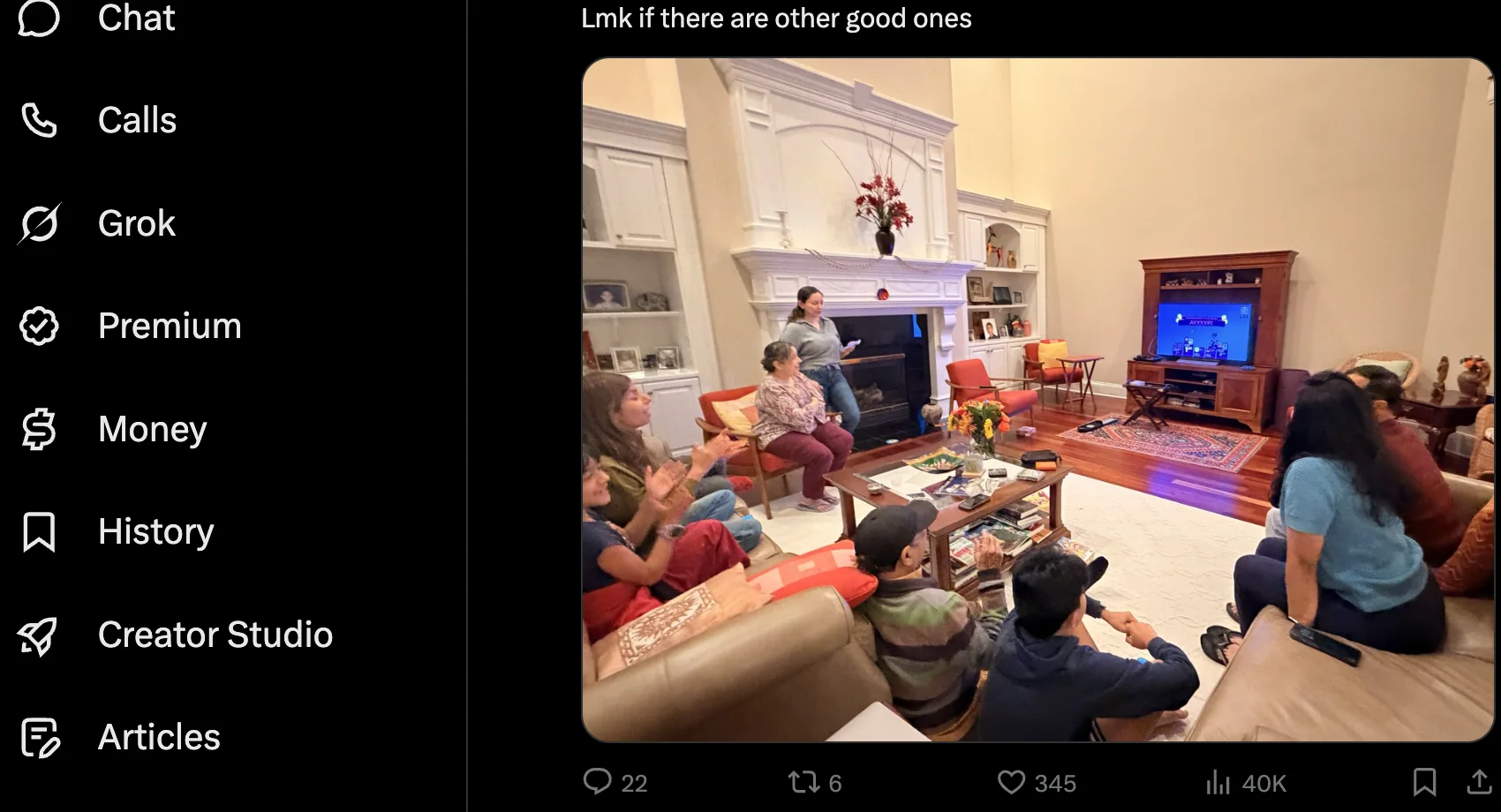
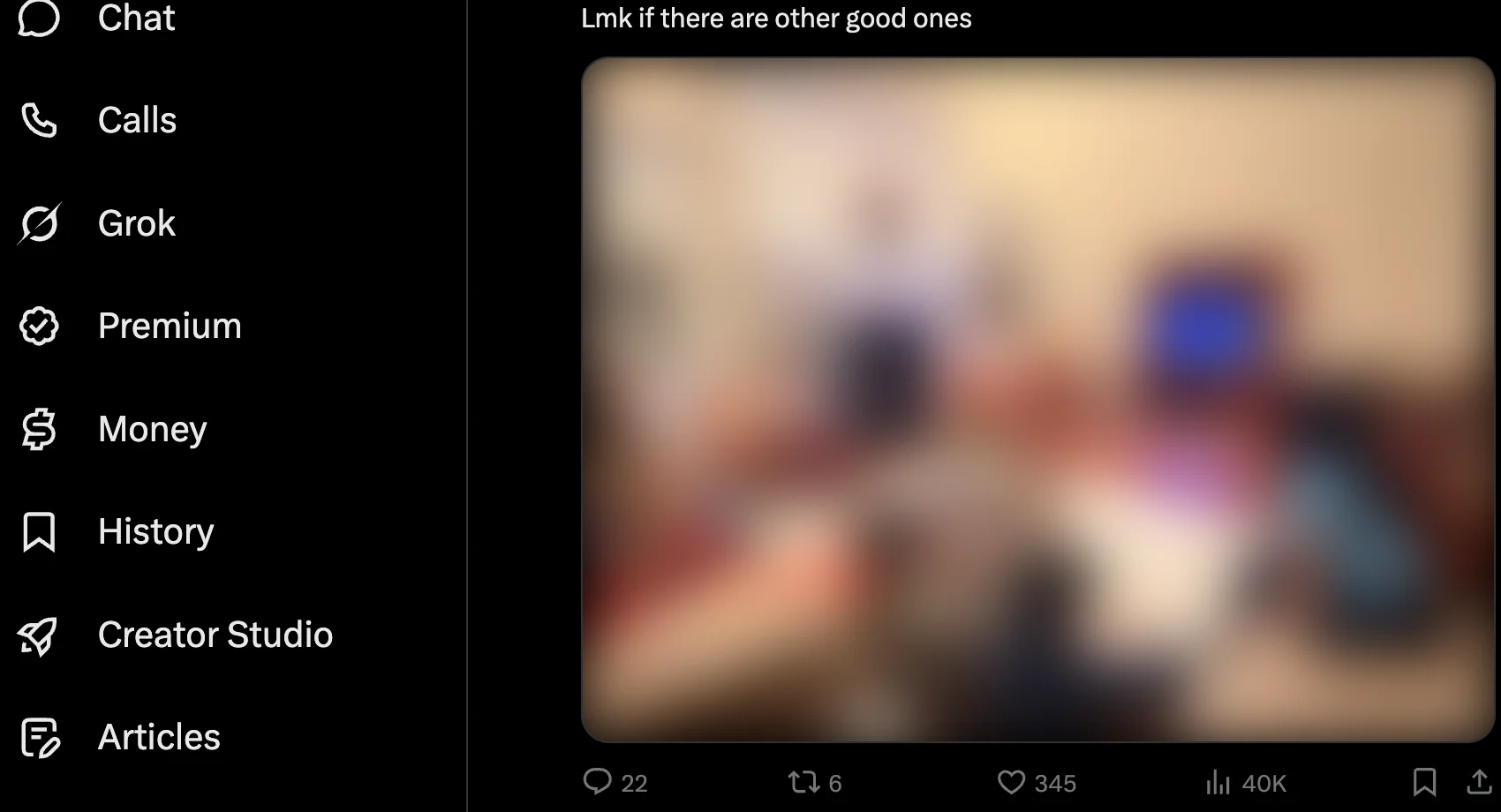
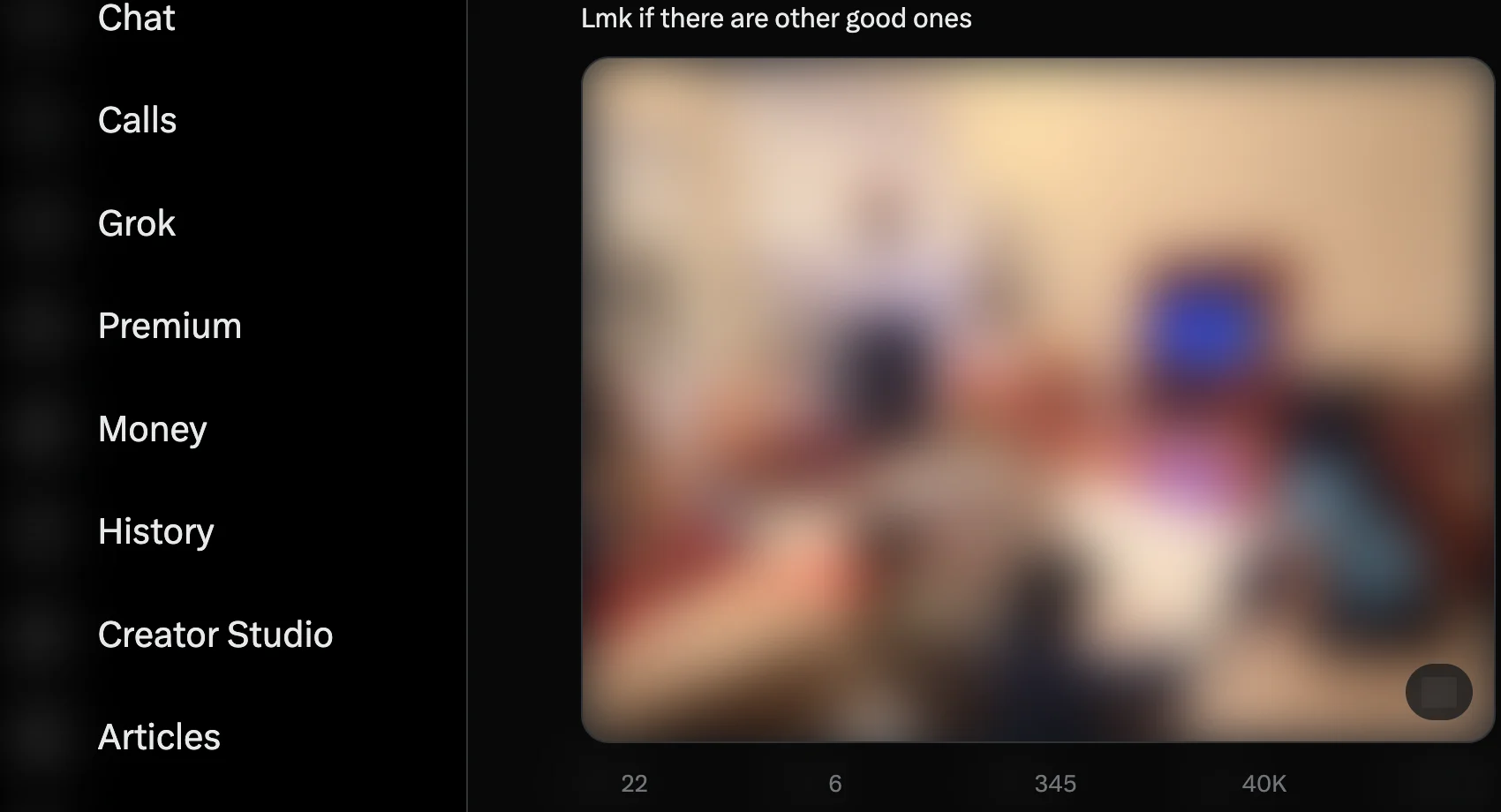
Blurring images can help even when you're the only one in the room. Say you're reading a long post and a reaction GIF keeps drawing your eye back to the same looping face. Blurring it makes it easier to keep your place.
One less distraction, one more win.